
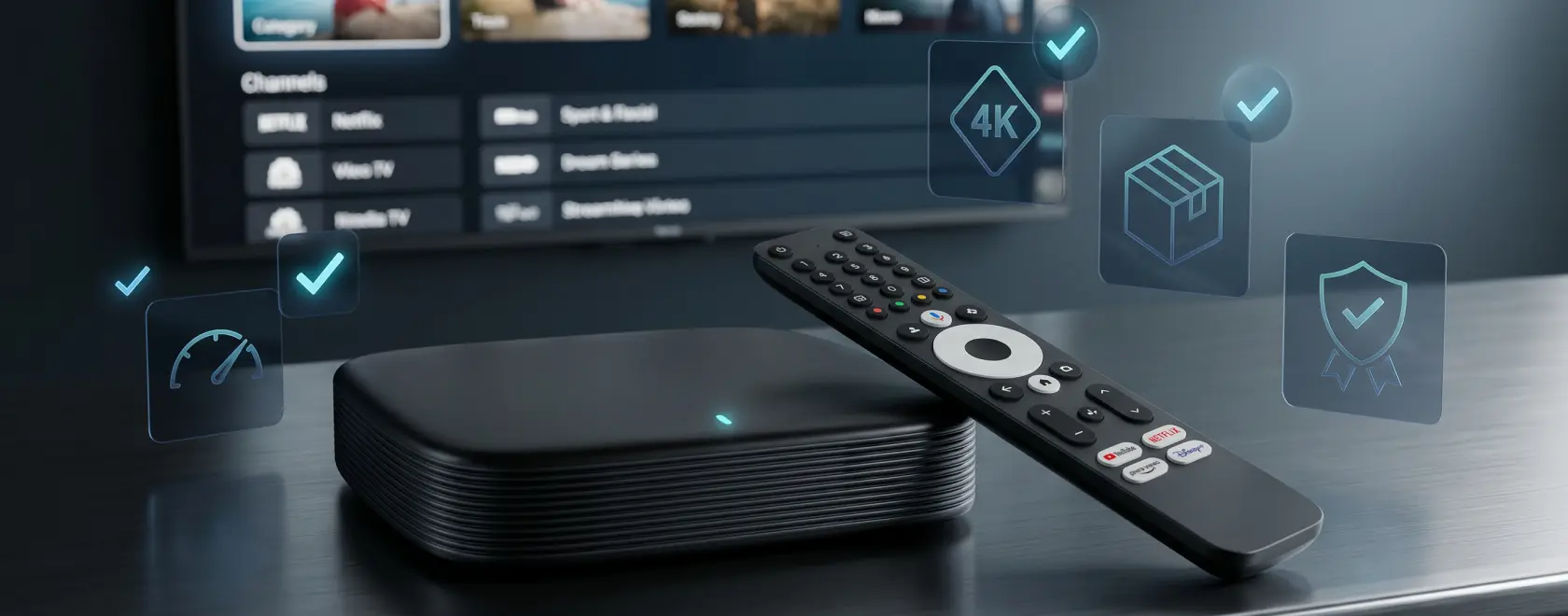
Choosing an IPTV set-top box or media player is not just a matter of comparing prices and reading a few product specifications. The device becomes part of the home entertainment system, so it must work smoothly with the TV, internet connection, content provider, apps, remote control, and the viewer’s daily habits. A model that looks attractive on paper may feel inconvenient in real use if it has weak network performance, limited software support, poor cooling, or a remote that is uncomfortable to use.
This is especially important when buying from an online store, where customers often choose between two broad categories: Linux IPTV set-top boxes and Google TV or Android TV media players. These devices can solve similar tasks, but they are designed for different usage scenarios. Understanding the difference before ordering helps avoid disappointment and makes it easier to choose a product that will remain reliable not only on the first day, but throughout everyday use.
Understand Which Type of Device You Need
The first step is to decide what role the device should play in your home. A Linux IPTV set-top box is usually chosen when the main priority is stable IPTV viewing, fast channel switching, simple navigation, and compatibility with operator-style services, portals, playlists, middleware, or dedicated IPTV platforms. These devices are often valued for their focused functionality, predictable interface, and reliability in long viewing sessions.
A Google TV or Android TV media player is a better fit when the customer needs a broader entertainment platform. It can combine IPTV apps, streaming services, video-on-demand platforms, media players, voice search, casting, games, and smart home features in one interface. Such devices are more flexible, but they also depend more heavily on app compatibility, system updates, certification, and available storage.
Before placing an order, it is worth asking a simple question: will the device mainly be used for IPTV channels, or should it also replace a smart TV platform? If IPTV is the core scenario, a Linux-based model may be the most practical choice. If the buyer expects access to a wide range of apps and streaming services, Google TV or Android TV will usually provide a more familiar and versatile experience.
Check Compatibility With Your IPTV Service
IPTV compatibility is one of the most important factors. Not every box works equally well with every IPTV provider, playlist format, portal, or application. Linux IPTV set-top boxes may support specific portals, middleware systems, M3U playlists, EPG formats, catch-up TV, time-shift, and video-on-demand features, but the exact set of functions depends on the model and firmware.
Google TV and Android TV media players rely mostly on applications. If your provider offers a dedicated app, check whether it is available for Android TV or Google TV, not only for smartphones. A mobile Android app may install on some devices, but it may not be optimized for remote-control navigation or TV screens. This can affect usability more than many buyers expect.
When ordering online, carefully read the product description and check whether the device supports the connection method used by your IPTV provider. If the provider requires a specific portal, app, login method, or playlist format, this should be verified before purchase. A technically powerful media player is not the right choice if it cannot work comfortably with the service you plan to watch every day.
Evaluate the Operating System and Interface
The operating system defines the user experience. Linux IPTV boxes usually offer a streamlined interface focused on television viewing. The menu is often simple, fast, and designed around channels, program guides, archives, and video-on-demand sections. For users who prefer a classic TV-like experience, this can be a major advantage.
Google TV and Android TV devices use an app-based interface. They are designed to bring together streaming apps, recommendations, search, voice control, and account-based personalization. This approach is convenient for users who regularly switch between IPTV, YouTube, subscription services, local media, and casting from a smartphone.
The key is not to assume that one system is universally better. Linux may be the stronger choice for a focused IPTV setup, while Google TV or Android TV may be better for a mixed entertainment environment. Before buying, look at screenshots, interface descriptions, and supported functions. The device should match the way it will actually be used, not simply the longest list of advertised features.
Look Beyond Basic Hardware Specifications
Processor, RAM, and storage matter, but they should be assessed in context. Linux IPTV boxes often do not need the same amount of memory as Android-based media players because their software is more focused. A well-optimized Linux device with modest specifications can deliver stable IPTV performance, fast channel switching, and smooth playback.
Google TV and Android TV media players usually benefit from stronger hardware. More RAM helps with multitasking, app switching, and interface responsiveness. More internal storage is useful when installing several streaming apps, IPTV players, media-center software, or games. For 4K playback and demanding apps, a modern chipset and efficient video decoding are more important than marketing claims alone.
Customers should also pay attention to firmware quality and brand support. Good hardware can be limited by poor software, while a balanced device with regular updates may offer a better long-term experience. For an online purchase, user reviews about stability, overheating, app crashes, and real playback performance are often more useful than isolated specification numbers.
Confirm Video, Audio, and TV Compatibility
The device must work correctly with the TV and, if present, with a soundbar or AV receiver. For Full HD viewing, most modern IPTV boxes and media players are sufficient, but 4K content requires more careful checking. The device should support the required resolution, HDMI standard, video codecs, and HDR formats if the TV is capable of displaying them.
Video codec support is particularly important for IPTV and media playback. Streams and files may use H.264, H.265, VP9, AV1, or other formats. Hardware decoding allows the device to play video smoothly without unnecessary load or heat. If the customer plans to watch 4K streams, high-bitrate files, or modern streaming services, codec support should be checked before ordering.
Audio should not be ignored. Users with basic TV speakers may not notice much difference, but those using external audio systems should verify HDMI audio output, optical output if available, and support for the required surround sound formats. A media player should deliver not only a sharp picture, but also stable and correctly synchronized sound.
Pay Close Attention to Network Performance
IPTV depends on network stability. Even the best media player cannot compensate for an unstable internet connection, but a weak network module can make good internet feel unreliable. For IPTV, Ethernet is often the safest option, especially for 4K streams, long viewing sessions, or households with many connected devices.
When choosing a Linux IPTV set-top box, check whether it has a LAN port and what speed it supports. For Google TV and Android TV media players, dual-band Wi-Fi is important if the device will not be connected by cable. Support for 5 GHz Wi-Fi can reduce interference and improve speed at shorter distances, while Ethernet adapters may be useful for compact sticks or players without a built-in LAN port.
Online buyers should read the specifications carefully and look for real user feedback about Wi-Fi range, buffering, connection drops, and playback stability. If the device will be installed far from the router, network performance may be more important than a small difference in processor speed.
Check the Remote Control Before You Buy
The remote control strongly affects everyday comfort. Linux IPTV boxes often use remotes designed for channel navigation, numeric input, program guide access, and quick control of TV-like functions. This can be convenient for users who mainly watch live channels and prefer a traditional viewing experience.
Google TV and Android TV remotes are usually more compact and focused on voice search, app navigation, and shortcut buttons. They may be more convenient for streaming services, but less comfortable for users who frequently enter channel numbers or use classic IPTV functions. Some models include Bluetooth remotes, microphones, programmable buttons, or TV power and volume control.
Before ordering online, examine product photos and package details. Make sure the remote matches the intended use. A powerful device with an inconvenient remote can feel less practical than a simpler model with better controls.
Review Ports, Accessories, and Package Contents
The product page should clearly show what is included in the box. A typical device may include the set-top box or media player, power adapter, remote control, HDMI cable, and user documentation, but the bundle varies by model. Batteries, Ethernet cables, or additional adapters may not be included.
Ports should be checked according to the intended setup. USB can be useful for external storage, keyboards, receivers, or service operations. A microSD slot can help expand storage on some devices. Optical audio may be important for older audio systems. Bluetooth is useful for headphones, gamepads, and wireless accessories. Compact Google TV or Android TV sticks may have fewer ports, so expansion options should be reviewed in advance.
Customers should also check device size and installation requirements. A box placed in a TV cabinet needs ventilation. A stick connected directly to HDMI must physically fit behind the TV and may still need external power. These practical details often determine how convenient the device will be after delivery.
Assess Seller Reliability, Warranty, and Return Terms
When buying IPTV equipment online, the seller matters almost as much as the device itself. A reliable online store should provide clear specifications, accurate product photos, transparent warranty terms, and support before and after purchase. This is especially important for customers who are choosing between Linux IPTV boxes and Google TV or Android TV media players for the first time.
Before placing an order, review the warranty period, return conditions, payment options, delivery details, and support channels. If a device does not meet the customer’s needs, the return process should be understandable before the box is opened. If technical help is needed after delivery, the store should be able to explain basic setup, compatibility, and troubleshooting steps.
Recent customer reviews can also help. Pay attention to comments about product authenticity, delivery condition, firmware stability, remote control quality, and seller response. A slightly cheaper offer may not be better if it comes with unclear support or limited warranty protection.
Test the Device Immediately After Delivery
After receiving the device, inspect the packaging, accessories, power adapter, HDMI cable, remote control, and the condition of the housing. Keep the packaging and purchase documents until the device has been fully tested. Then connect it to the TV and internet, complete the initial setup, and check the main viewing scenario.
For a Linux IPTV box, test portal or playlist connection, channel switching, EPG display, catch-up TV if supported, video-on-demand access, sound synchronization, and stability during longer playback. For a Google TV or Android TV media player, test app installation, account login, IPTV app performance, streaming services, voice control, casting, subtitles, HDR behavior, and audio output.
If a problem appears, document it early. Photos, screenshots, short videos, and clear descriptions help the seller understand the situation and speed up exchange, return, or support. The best time to identify a mismatch is immediately after delivery, while return terms are still active.
The right IPTV device is the one that fits the customer’s real viewing habits. A Linux IPTV set-top box is often the practical choice for stable, focused IPTV use, while a Google TV or Android TV media player is better suited to a wider smart entertainment experience with apps, streaming, voice search, and casting. Before ordering, check service compatibility, operating system, hardware balance, network performance, video and audio support, remote control, ports, accessories, warranty, and seller reliability. A careful check before purchase makes the choice clearer and helps ensure that the device works smoothly from the first setup and remains convenient in everyday use.
